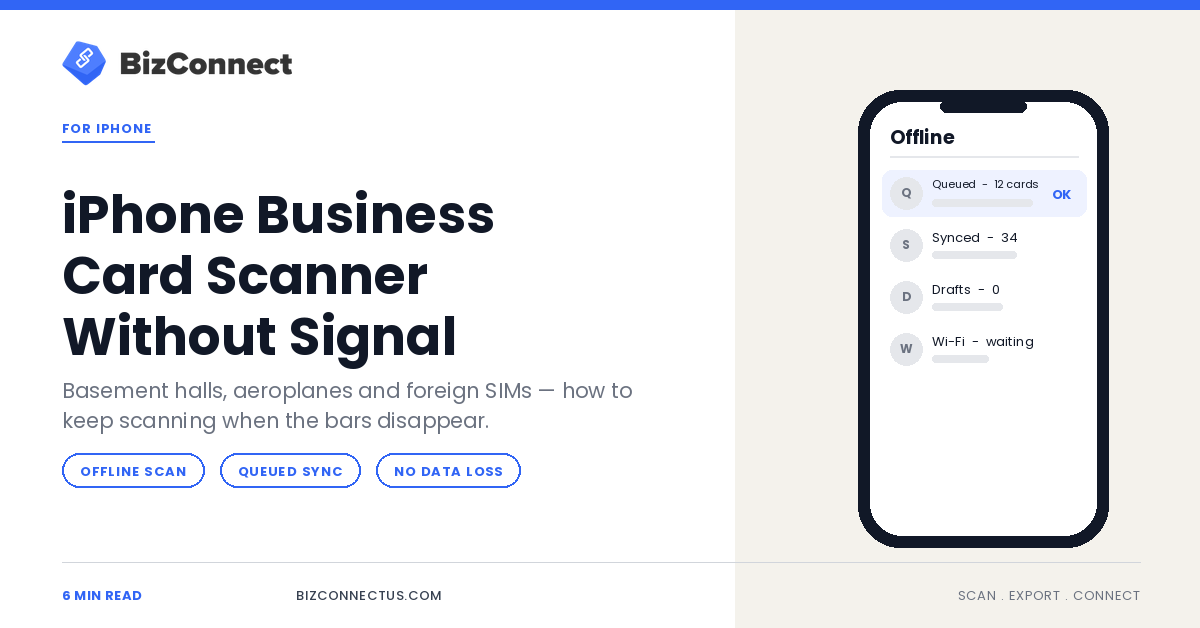
Trade shows are held in basements, aeroplanes have no signal, and a foreign SIM often means no data at all on day one. That is precisely when you collect the most cards. An iPhone business card scanner that only works online is useless at exactly the moment you need it, so it is worth knowing how offline capture behaves before you are standing in a hall with one bar and forty cards.
Why the venue is always the problem
Large exhibition halls are built from steel and concrete, usually below ground, and then filled with several thousand people all competing for the same cell. Even venues with good Wi-Fi tend to have a captive portal that drops you every twenty minutes.
The result is predictable: intermittent connectivity for the entire event. Any workflow that assumes a live connection at the moment of capture will fail somewhere in the middle of it.
What offline scanning actually does
The capture itself — photographing the card and extracting the fields — happens on the device. The part that needs a connection is the sync: pushing the contact to your account, to Google Contacts, or to a CRM.
So the right behaviour is to capture, store locally, and queue the sync. BizConnect scans offline and syncs when connectivity returns, which means the card in your hand becomes a saved contact immediately and the distribution happens later without your involvement.
Set it up before you fly, not at the venue
Do three things while you still have a connection. Sign in and confirm the account is active, because a session that expires offline can lock you out. Grant camera and photo permissions so the first scan does not stall on a dialog. And run one test scan so you know the flow.
This takes two minutes at the hotel and saves the ten you would otherwise lose at the booth. If the phone is new, our walkthrough on setting up a business card app on iPhone covers the permissions in order.
Scanning technique matters more offline
When you are online, a bad scan is easy to fix — you notice it, rescan, move on. Offline, you are working faster and checking less, and errors accumulate silently until the sync.
So slow down marginally on the capture itself: flat surface, even light, fill the frame, no shadow from your own hand. Glare from exhibition lighting is the single most common cause of a bad read in these venues. Our notes on fixing blurry scans and bad reads are worth a skim before an event.
Add the note now, because you will not remember later
Offline is no excuse to skip the context. Tag and annotate at the point of capture — notes and tags store locally alongside the contact and sync with it.
A queued contact with “asked about the enterprise tier, follow up Tuesday” attached is a lead. The same contact without it is a name you will look at on Thursday with no idea why you scanned it.
Syncing safely when you land
Do the sync deliberately, on Wi-Fi, when you have five minutes to watch it. Confirm the queue count drops to zero and spot-check three or four contacts against the physical cards before you throw the cards away.
Then export onward. BizConnect goes natively to Google Contacts, Outlook, Excel, Salesforce, HubSpot and Zoho. If Apple Contacts and Mail are your working environment, the Apple sync guide covers where duplicates tend to appear on that route.
Keep the cards until the sync is confirmed
The one rule that prevents genuine data loss: do not discard the physical cards until you have seen the contacts in their final destination. Not in the app — in the CRM or address book where you will actually use them.
It costs you a rubber band and two days of desk space, and it means a failed sync is an inconvenience rather than a lost pipeline. BizConnect is free for up to 50 cards a day and available on Google Play; for the trade-show workflow specifically, we wrote about which iPhone scanners hold up at trade shows.
Frequently Asked Questions
Can I scan business cards on iPhone without internet?
Yes. BizConnect captures and processes the card on the device and queues the sync, so scanning works offline and the contacts upload once you have a connection again.
Will I lose scans if the app closes while offline?
Queued scans are stored locally, so they survive the app closing. Confirm the queue has cleared after your next sync before discarding the physical cards.
Does offline scanning affect accuracy?
No — extraction happens on the device either way. Accuracy problems at events come from lighting and glare, not from the lack of a connection.
Can I add tags and notes offline?
Yes. Tags and notes are stored with the contact locally and sync alongside it, which is why it is worth adding them at the moment of capture.
How do I get offline scans into my CRM?
Sync on Wi-Fi first, confirm the queue is empty, then export. BizConnect exports natively to Salesforce, HubSpot, Zoho, Google Contacts, Outlook and Excel.