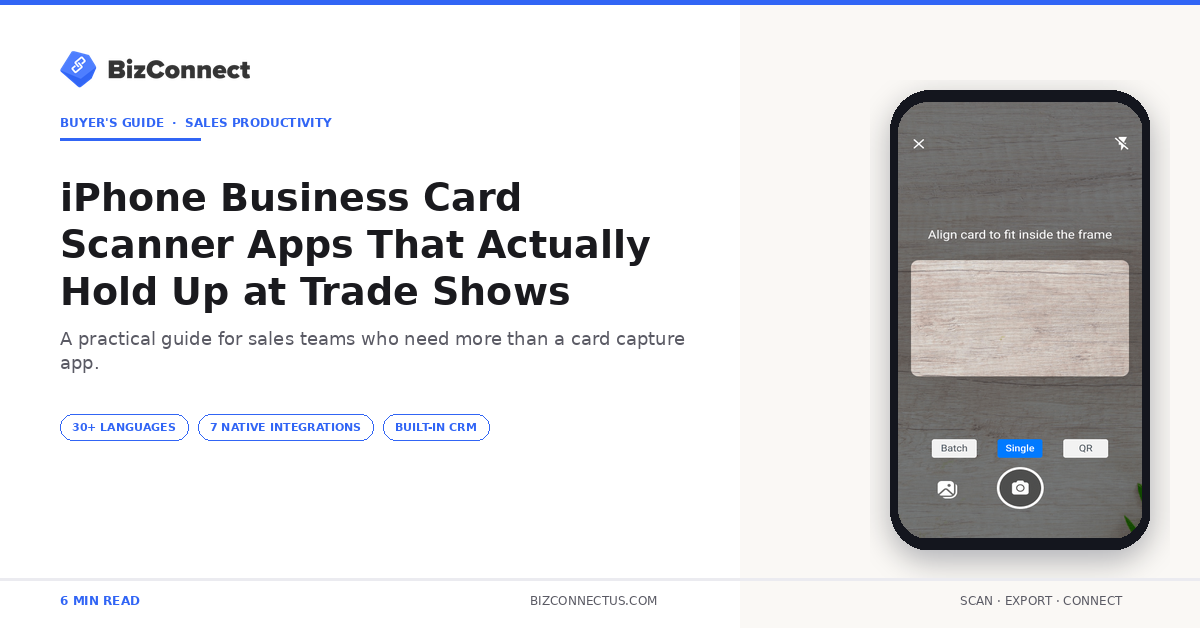
An iPhone business card scanner that works at a quiet desk and an iPhone business card scanner that survives a three-day trade show are two different products. The first needs decent OCR. The second needs batch scanning, offline mode, glare resistance, and the ability to handle 200 cards in a single afternoon without crashing. BizConnect — developed by Atmas Technologies FZCO and used by over 500,000 professionals since 2016 — is the most-tested iPhone option in this category. Here is what to look for, and why the trade-show stress test is the only ranking that matters.
What changes when you scan at a trade show
An iPhone business card scanner faces three hostile changes at trade shows. Lighting goes inconsistent — bright booth spotlights, dim aisles, yellow-tinted convention-hall ambient. Card variety explodes — every industry shows up with its own design language, and half the cards are gloss-laminated. And the rep is moving — scanning between conversations, often one-handed, often with a drink in the other hand.
Most scanners do fine in any one of those conditions. The trade-show test combines all three and exposes which apps have actually been built for working sales reps versus which were designed for screenshots.
Feature checklist for an iPhone scanner
Batch scan mode is non-negotiable. Capturing 30 cards in a row with no intermediate confirmation screen is the only way to keep pace with a busy booth. BizConnect supports batch mode with auto-edge-detection. Offline mode matters — convention Wi-Fi is unreliable and mobile data gets throttled in crowded venues. Glare compensation handles laminated cards.
Beyond features, look at App Store reviews from the last 60 days. Sort by recent. A great rating from 2022 means little. A 4.5+ from the last six months — including comments mentioning trade shows or events — is the strongest signal an iPhone scanner app holds up in your conditions.
Real-world iPhone testing
BizConnect’s iPhone build captures cards through the on-device camera with auto-perspective correction and the 30+ language OCR pipeline. The full save-and-export cycle runs under 10 seconds per card, including the push to Outlook, Google Contacts, Salesforce, HubSpot, Zoho, or any of 5,000+ apps via Zapier.
Apple’s own Vision framework documentation explains the underlying OCR APIs available to iOS apps. Scanners that combine Vision with their own preprocessing tend to outperform those relying on the framework alone — preprocessing handles the glare and angle issues Vision cannot solve alone. BizConnect’s design follows this pattern.
Battery and storage at a long event
Battery drain matters more than people expect. Camera plus OCR is one of the heavier loads on an iPhone. Over a full day of scanning plus normal phone use, a heavy scanner will drain an iPhone 14 significantly by mid-afternoon. The better-engineered apps run OCR in efficient bursts and consume measurably less battery — important on day 3 of a conference.
Storage is the second silent issue. Each scanned card image is 100–300KB. 600 cards over a three-day event runs roughly 150MB. BizConnect auto-compresses images for cloud sync, freeing local storage as you go. The pattern of how this works under the hood mirrors the OCR pipeline explained step by step.
Workflow tips reps swear by
Tag at scan time, not after. The 30 seconds you spend adding the event name and follow-up priority while the card is in your hand saves you an hour of re-tagging on the flight home. Use voice memos — BizConnect lets you attach a short audio note to the scan. ‘Wants the Q3 white paper’ is far more useful than a generic tag two days later.
End-of-day sync is the other habit. Plug into Wi-Fi, fire all queued exports to Outlook, Google Contacts, or your CRM, and the follow-up emails are ready to send next morning. The same workflow logic shows up in the broader iPhone business card scanner write-up — reps who do this consistently close more event leads.
The iPhone business card scanner verdict
For 2026 trade shows, three iPhone apps stand out — BizConnect, CamCard, and ABBYY. BizConnect leads on the combination of OCR accuracy, batch reliability, and built-in CRM exports (seven native destinations). CamCard has the largest user base but lags on team management. ABBYY’s accuracy is solid but its iOS app crashes more often than the others on long scanning sessions.
A 2024 Forbes Tech Council piece on sales mobile tools noted the top driver of rep adoption is not features but reliability — an app that crashes once at an event rarely gets opened at the next one. Reliability beats feature lists every time at a trade show.
iCloud sync, iPad, and the wider Apple ecosystem
One often-overlooked advantage on iOS is how cleanly card data flows across Apple devices. Scans made on iPhone appear within seconds on a connected iPad — useful for managers reviewing leads at a booth while reps are out scanning. BizConnect syncs across iPhone, iPad, Android, and the web dashboard, so even mixed-OS teams stay aligned.
For teams running a mixed Apple-Microsoft stack, scans flow into iCloud for personal continuity AND into Outlook or Google for team distribution — all from the same scan event. Reps already shortlisting on the scanner side often cross-reference the full business card app comparison to confirm the choice still holds when the team grows.
What to dry-run before a big event with an iPhone business card scanner
Run a 30-card dry run on the Friday before a Monday-start trade show. Test batch mode with rapid taps. Switch off Wi-Fi and confirm exports queue properly. Drain the battery from full to half scanning and time how long it took — that tells you whether you need a power bank. And confirm the contacts you scanned show up in your CRM by Saturday morning. Five minutes of preparation saves an embarrassing scramble on day one.
The dry-run also confirms the iCloud sync between iPhone and iPad if managers will review leads from a tablet at the booth. BizConnect’s multi-device sync is automatic once both devices sign into the same account, but trade-show Wi-Fi is unforgiving — better to confirm the connection before the booth opens.
The bottom line
An iPhone business card scanner is judged at trade shows, not at quiet desks. Pick the one that holds up under bad lighting, batch loads, and patchy Wi-Fi — and check its recent App Store reviews to confirm. Start with the BizConnect free plan (50 cards/day), run a real event through it, and if your stack of 200 cards turns into clean contacts in your CRM by Monday morning, you have your answer.