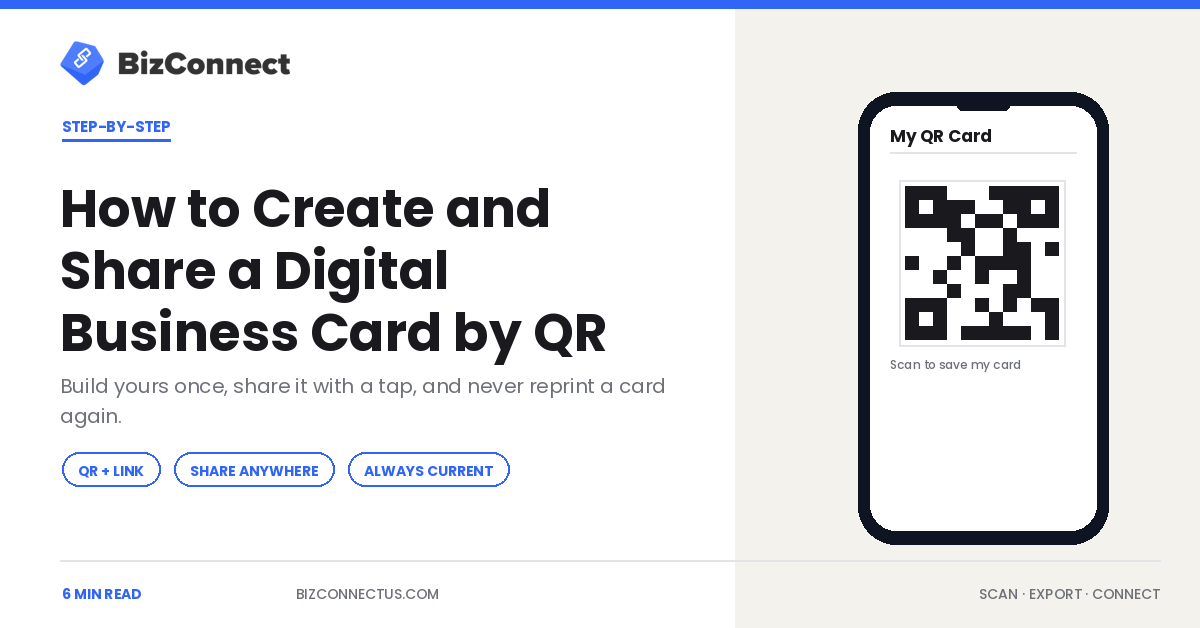
Paper cards run out, go out of date, and end up in a bin. A digital business card does none of that: you build it once, share it with a tap or a scan, and update it in seconds when your number or title changes. This guide walks through creating your own digital card, every way to share it, and how to keep it current — so the next person you meet saves your details without typing a single character.
What a digital business card actually is
A digital business card is your contact details — name, title, company, phone, email, website — packaged so another person can save them instantly, usually through a QR code or a shareable link. Instead of handing over cardboard and hoping it survives the day, you let them scan a code and your details drop straight into their phone. The format is universal: any modern phone camera reads a QR code without an extra app.
Why professionals are switching
The appeal is partly practical and partly about never being caught empty-handed. You always have your card with you because it lives on your phone, it never runs out mid-event, and a typo or a job change is a 10-second fix rather than a reprint. There is a sustainability angle too, but the day-to-day reason most people switch is simpler: it is faster, and the other person saves a clean, complete contact every time. Our look at why sales teams are replacing paper with digital cards covers the business case in depth.
Step by step: create yours
In BizConnect, open the QR Code option on the home screen and fill in the details you want to share — name, phone, email, company, designation, and website. The app generates a scannable QR code and a digital card from those fields. That is the whole setup; it takes a couple of minutes. Build it once before your next meeting and it is ready whenever you need it, on iPhone or Android.
Sharing by QR, link, and message
There are three main ways to share. Show your QR code on screen and let the other person scan it with their camera — ideal face to face. Send the card as a link over WhatsApp, SMS, or email for remote introductions. Or drop the QR code into your email signature and printed materials so it works even when you are not in the room. However it is shared, the recipient gets a clean digital card they can save to their contacts in one tap, no manual entry.
Keeping it always current
This is the quiet advantage paper cannot match. Change roles, switch numbers, rebrand — you edit the card once and every future share reflects it immediately. No box of obsolete cards, no crossing out a number by hand. For anyone whose details change even occasionally, that alone justifies the switch, and it means the version someone saves is always the right one.
Digital and scanning: the full loop
A digital card handles the contacts you give out; a scanner handles the ones you take in. Used together they close the loop on networking — you share your details by QR and capture theirs by scan, and both sides end up with clean data. BizConnect does both in one app, syncing across iPhone, Android, and the web dashboard, so your card and your scanned contacts live in the same place. New to capture? Start with our guide to the best app for business cards.
Where a digital business card works best
A digital business card shines in a few specific moments. At a busy event, showing a QR code is faster than digging for paper and lets ten people save you in the time it would take to hand out three cards. In email, a QR code or link in your signature turns every message you send into a chance for the recipient to save your details. And on video calls, you can drop your card link into the chat — a context where a paper card is useless. You can also send it over WhatsApp or SMS, and because any modern phone reads a QR code natively, the person on the other end needs no special app at all. Anywhere the exchange is digital or fast, the digital card simply fits better. Our comparison of visiting card scanners and business card apps shows how capturing and sharing complement each other.
Getting started in two minutes
If you do not already have the app, install it free from Google Play or the Apple App Store, open the QR Code option, and fill in your details. That is genuinely the whole process — there is no design step, no printing, no waiting on a supplier. You will have a working digital business card before your next meeting starts, and you can refine the details any time without starting over. The first time someone scans your code and saves a complete, correct contact in one tap, the habit tends to stick for good.
There is also a consistency benefit worth naming. A digital business card guarantees that everyone who saves you gets the same correct spelling of your name, the same current number, and the same company details — no squinting at handwriting or retyping a smudged email. For teams, that consistency extends to brand: when every rep shares a uniform digital card, the company looks the same in every prospect’s phone. It is a small thing that quietly raises how professional an organisation feels to the people it meets. And because the card lives on your phone, you are never again the person at an event who ran out of cards an hour in.
The bottom line
Creating a digital business card takes minutes and removes every annoyance of paper: it never runs out, never goes stale, and saves to the other person’s phone in one tap. Build yours once, share it by QR or link, and edit it whenever something changes. Pair it with a scanner and you have both sides of every introduction handled from a single app.
Frequently Asked Questions
How do I create a digital business card?
In BizConnect, tap the QR Code option on the home screen and enter your name, phone, email, company, designation, and website. The app generates a digital card and a scannable QR code from those details in a couple of minutes. You can then share it by QR, link, or message, and edit the details anytime without reprinting anything.
How do people save my digital business card?
They scan your QR code with their phone camera, or open the link you send, and your details drop into their contacts in one tap. No app is needed on their side to read a standard QR code. This is why a digital card produces cleaner saves than paper: the recipient never has to type your name, number, or email by hand.
Can I share a digital business card without an app?
Yes. The recipient needs nothing special — any modern phone camera reads the QR code, and a shared link opens in a browser. You create and manage the card in an app like BizConnect, but the person receiving it just scans or taps. That makes a digital card practical to hand out even to contacts who have never used a card app.
What happens to my digital card when my details change?
You edit it once and every future share reflects the change immediately, with no reprinting. Update your title, number, or company in the app and the next person who scans your QR code gets the current version. This is the main advantage over paper cards, which become obsolete the moment any detail changes and have to be replaced in bulk.
Is a digital business card better than a paper card?
For most professionals, yes. A digital card never runs out, stays current, and saves to the other person's phone instantly and accurately. Paper still has a place for formal or ceremonial exchanges, but for day-to-day networking the digital version is faster and cleaner. Many people use both: a digital card to share and a scanner app to capture the paper cards they still receive.