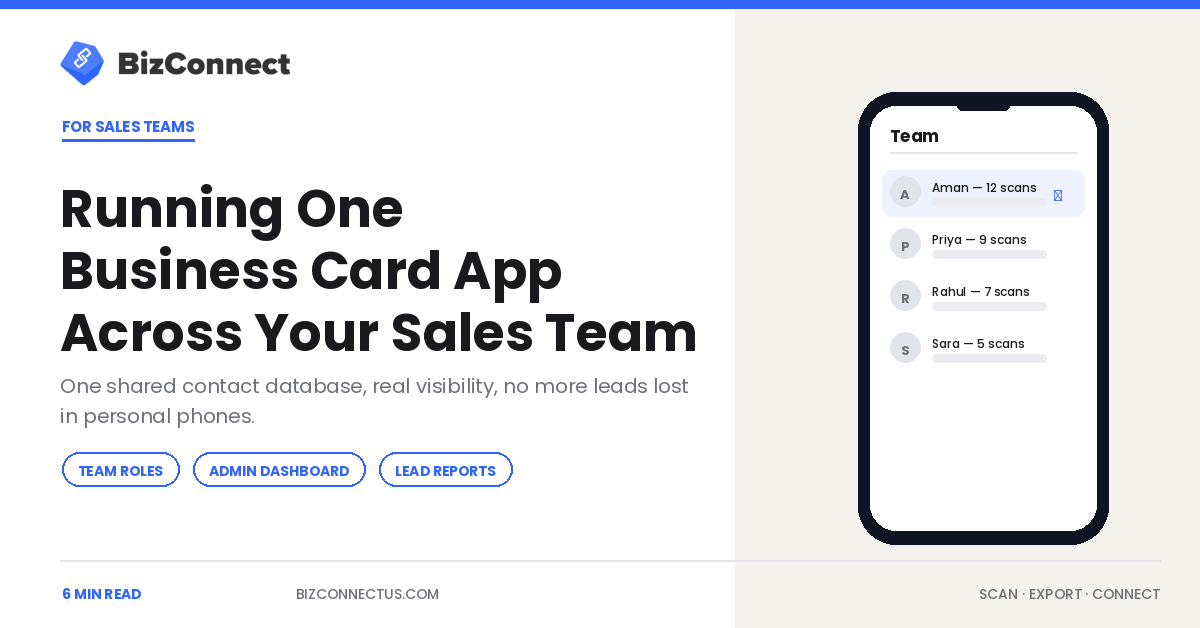
When one person uses a business card app, the win is convenience. When a whole sales team uses the same one, the win is visibility — every lead scanned at every event lands in one place instead of scattered across personal phones. That shift is the difference between a tidy contact list and an actual pipeline. This guide covers how to run a single business card app across a team, what changes when you do, and how to roll it out without a month of training.
Why individual scanning quietly breaks down
Solo scanning works until two reps attend the same expo. Now the same prospect exists in two phones with two sets of notes, nobody knows who is following up, and when a rep leaves, their contacts walk out the door with them. HubSpot’s sales research repeatedly shows reps spend a large share of the week on admin rather than selling, and fragmented contact data is a big part of that drag. A shared app removes the fragmentation at the source.
One shared contact database
The core upgrade is a single database every rep scans into. A card captured at a booth in Mumbai is visible to the manager in Dubai the same minute. BizConnect keeps that shared library in sync across iPhone, Android, and the web dashboard, so the field team scans on mobile while managers work from a laptop. No exports passed around over email, no version that is three weeks out of date.
Roles, territories, and an admin view
A team app needs structure a personal app does not. BizConnect’s admin dashboard lets a manager add members, assign territories, and watch daily activity — cards scanned, tasks completed, revenue logged — in real time. Role-based access means a rep sees their own pipeline while a manager sees everyone’s. That is exactly the layer that separates a genuine team tool from a single-user scanner, and it is why growing teams outgrow consumer apps quickly.
Turning scans into pipeline, not just contacts
A contact is inert; a lead moves. The strongest team apps attach a pipeline to every scan so a card becomes a deal stage rather than a name to re-enter later. After scanning, a rep logs a call, sets a follow-up reminder, and the lead advances through the funnel inside the same app. For teams that already live in a CRM, BizConnect pushes scanned leads natively into Salesforce, HubSpot, and Zoho, so the business card app feeds the system of record instead of competing with it.
Reports managers actually use
Visibility only helps if it is legible. Built-in reports show who is scanning, who is following up, and where leads stall, turning a pile of cards into a read on team activity. A manager can spot the rep who captured 80 cards but logged zero follow-ups, or the event that produced the most qualified leads, and coach from real numbers. Our look at why sales teams are replacing paper with digital cards covers the cultural side of that shift.
Rolling it out in a week
Keep the launch simple. Pick one upcoming event, have three reps install the app and scan everything they collect, and review the shared dashboard together afterward. Reps adopt tools that save them obvious work, so let the first event prove it. If you want help mapping roles and integrations before you scale, the BizConnect team can walk through a team setup with you, and you can read why teams choose BizConnect over a consumer scanner.
The hidden cost of leads stuck in personal phones
When contacts live in individual phones, the company is one resignation away from losing a chunk of its pipeline. A rep leaves, and the relationships they built at a dozen events leave with them, because nobody else ever had access to those cards. A shared business card app turns that private rolodex into a company asset: the contacts stay in the organisation’s database regardless of who scanned them. For a sales leader, that continuity is worth as much as the time savings, and it stays invisible right up until the moment a key rep hands in their notice.
There is a data-quality angle too. When everyone scans into one system with consistent fields, exports to Google Contacts and your CRM stay clean, instead of merging four people’s inconsistent spelling and formatting into a mess that takes hours to deduplicate later.
Keeping the database clean as the team grows
Scale exposes sloppiness. Two reps scanning the same prospect, half-finished records, tags that mean different things to different people — these problems are trivial at five users and painful at fifty. The fix is partly tooling and partly habit: use the app’s duplicate handling, agree on a small set of shared tags, and review the admin dashboard weekly so gaps surface early. A business card app gives a growing team the structure to stay organised, but the team still has to use it consistently. If you are choosing between apps for a team rollout, our 2026 scanner buyer’s guide covers which ones handle multi-user data well.
None of this requires a big-bang migration. Teams that succeed start narrow — one region or one product line — prove the workflow, then widen it. Because every rep already knows how to photograph a card, the learning curve is close to zero, and the shared visibility pays off from the very first event the whole team attends together. From there, scaling is a matter of repeating a process the team already trusts, rather than selling everyone on a brand-new one.
The bottom line
Running one business card app across a sales team turns scattered, personal contact lists into a single visible pipeline with roles, reports, and CRM sync behind it. The capture is the same tap every rep already makes; the value is that it now feeds one shared system instead of a dozen phones. Start with a single event, prove it, and scale from there.
Frequently Asked Questions
Can a whole team share one business card app?
Yes. Team-grade apps like BizConnect are built around a shared contact database with an admin dashboard, member roles, and territory assignment. Every rep scans into the same library, and managers see all activity in real time. This is different from a consumer scanner, where each person's contacts stay locked in their own phone with no shared visibility.
How does a business card app help managers track reps?
Through built-in activity reports. Managers see cards scanned, tasks completed, follow-ups logged, and revenue attributed per rep and per event. That makes it easy to spot who is capturing leads but not following up, or which events produce the best pipeline. BizConnect's admin dashboard surfaces this in real time across the whole team from a single web view.
Does a team business card app integrate with our CRM?
It should. BizConnect pushes scanned leads natively into Salesforce, HubSpot, and Zoho, plus Google Contacts, Outlook, and Excel, and connects to 5,000+ more apps through Zapier. That means the business card app feeds your system of record automatically instead of creating a separate silo your reps have to reconcile by hand later.
What does a team plan cost?
BizConnect's Enterprise plan covers ten or more licences at $399.99 a year, with unlimited scanning and full team features. Smaller teams can start on Premium at $9.99 per month or $79.99 per year per user. There is no per-scan billing, so a rep scanning 200 cards at a trade show costs the same as one scanning ten.
How long does it take to roll out across a team?
You can pilot in a week. Have three reps install the app, scan everything at one upcoming event, and review the shared dashboard together afterward. Because scanning saves obvious manual work, adoption tends to be fast. Once the pilot proves out, expand roles and CRM integrations across the rest of the team from the admin dashboard.