For a consultant or a small agency, a conference is not a marketing channel — it is the marketing channel. Forty cards collected over two days represent most of a quarter’s new-business activity, and what happens to them in the following week decides whether the trip paid for itself. A business card app is the difference between a pipeline and a rubber band around a stack of cardboard.
The real failure point is not capture
Almost everyone photographs cards these days. The failure comes later: three weeks after the event, you have forty names and no memory of which one asked about the retainer model and which one was making polite conversation near the coffee. Without that context, every follow-up email has to be generic, and generic follow-up from a consultant reads as a mailshot.
The job of the app, then, is not just to read the card. It is to attach what you knew in that moment to the contact, permanently, in under thirty seconds.
Tag by intent while you are still standing there
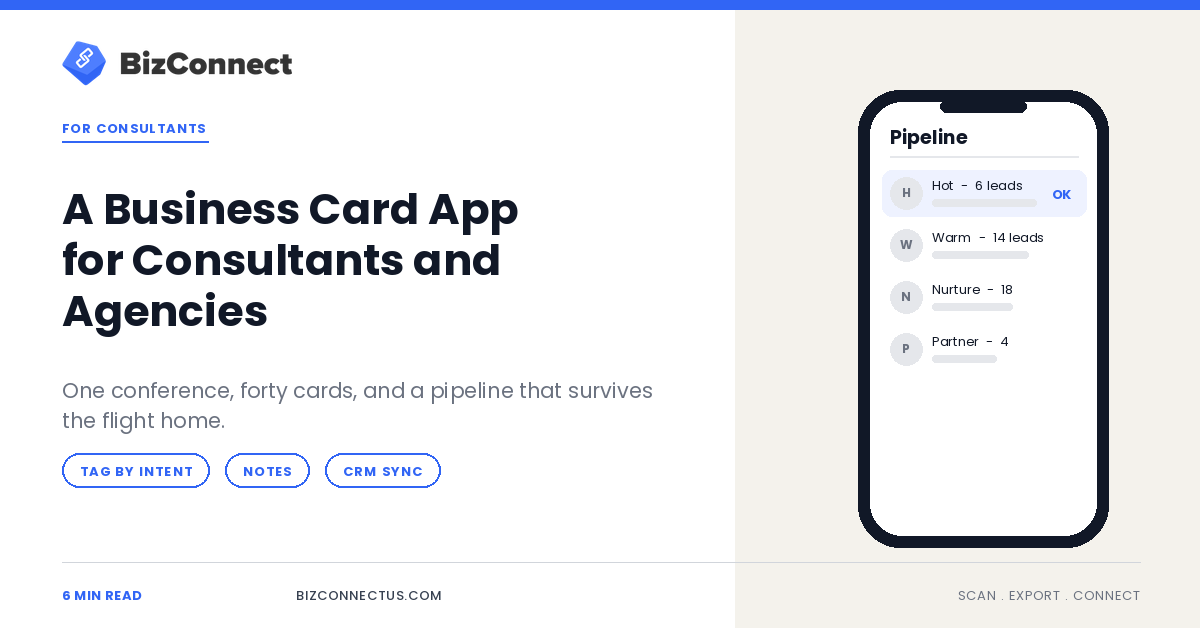
Set up three or four tags before the event and use nothing else: hot, warm, nurture, partner. Scan the card, tap the tag, move on. BizConnect lets you group and filter contacts by category, so on the flight home you can pull up only the six hot leads and write six specific emails rather than forty vague ones.
Resist the temptation to invent a richer taxonomy on the day. Tagging schemes that require thought at a networking event do not get used at networking events.
Capture the sentence, not just the card
The single highest-value habit is adding one line of note per scan — what they asked about, what they complained about, or who introduced you. “Rebuilding their reporting stack, unhappy with current agency” is worth more than the job title printed on the card.
Notes attached at the point of capture survive; notes you intend to add later do not. This is the same discipline that makes a scanner work for recruiters at a career fair — the context is the asset, and it has a shelf life of about an hour.
Get it into the CRM before the momentum dies
A pipeline that lives inside a scanning app is not a pipeline. The contacts need to be wherever your proposals, sequences and reminders already live.
BizConnect exports natively to Salesforce, HubSpot and Zoho, plus Google Contacts, Outlook and Excel, and connects to Zapier for anything else in the stack. Do the export the same day, not the following Monday. If your agency runs on Microsoft 365, our guide to scanning cards into Outlook across a team covers the shared-mailbox and duplicate questions that come up on the first sync.
Two people, one event, one contact list
Agencies almost always send two people, and they almost always come back with two separate contact lists on two separate phones. Half the value of the event evaporates in that split — the account director never learns that the strategist met the same prospect at the afternoon session.
A shared contact database with role-based access fixes it. On BizConnect’s team plan, both people scan into the same pool and the admin dashboard shows who captured what. It is the same argument as running one app across a whole sales team, just at agency scale.
The follow-up window is shorter than you think
Conference goodwill decays fast. A message that lands within forty-eight hours referencing a specific conversation gets a reply; the same message on day twelve gets filed. Use the tags to sequence it: hot leads get a personal email within two days, warm leads within the week, nurture goes into whatever long-form list you keep.
Set reminders at the point of scanning so the follow-up is a task, not a memory. Task and reminder features exist in BizConnect for precisely this, and a scanned card with a due date attached behaves like a lead instead of a souvenir.
What a good conference actually looks like afterwards
One week after the event, you should be able to answer three questions in under a minute: how many qualified conversations did we have, which six are worth real effort, and has each of them heard from us. If your contacts are tagged, noted and synced, that takes a single search. If they are in a stack on the desk, it takes an afternoon you will never actually spend.
BizConnect is free for up to 50 cards a day, which covers most consultants for most events — you can start on Google Play and only move to a paid tier when the team pool becomes the reason.
Frequently Asked Questions
What is the best business card app for a consultant?
One that lets you tag and annotate at the point of capture and exports to your CRM without manual reformatting. BizConnect covers both, with native export to Salesforce, HubSpot, Zoho, Outlook, Google Contacts and Excel.
How many cards can I scan on the free plan?
BizConnect's free plan allows 50 cards a day with full features, which covers a typical two-day conference for most consultants.
Can two people from the same agency share scanned contacts?
Yes, on a team plan. A shared contact database with an admin dashboard and role-based access means both attendees scan into one pool rather than two phones.
Should I scan cards at the event or afterwards?
At the event. Scanning on the spot lets you attach the tag and the one-line note while the conversation is fresh, which is where most of the follow-up value comes from.
Does the app work without signal in a conference hall?
Yes. Cards can be captured offline and sync once you have a connection again, which matters in basement exhibition halls where mobile data is unreliable.