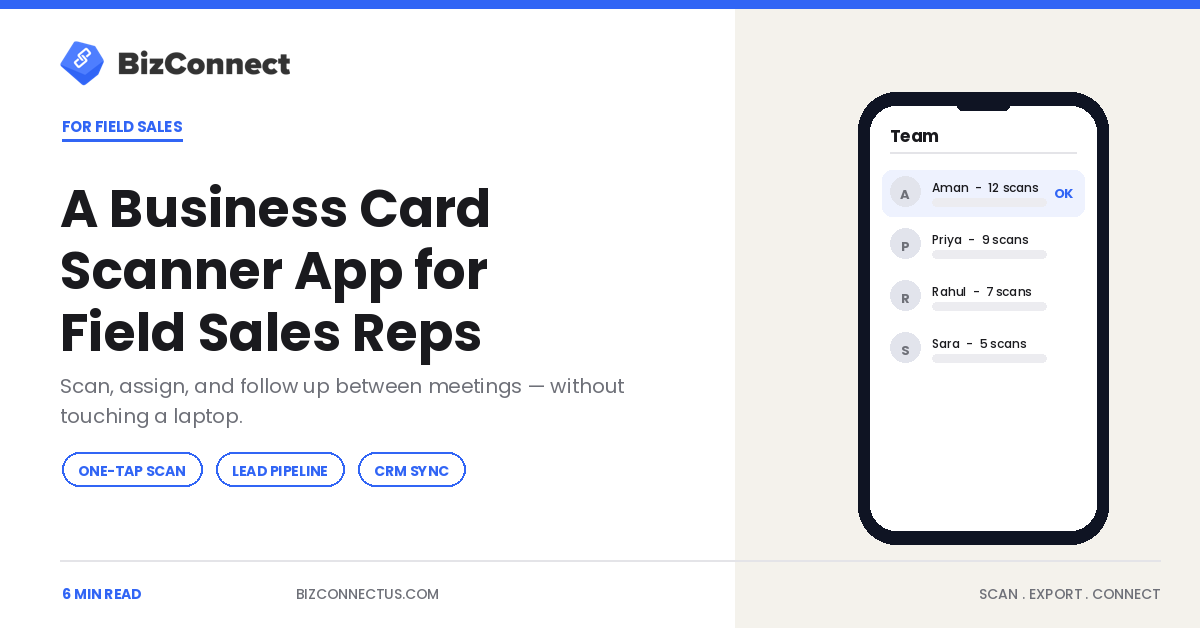
A field sales rep lives between meetings — in the car, the lobby, the car park — and the cards pile up in exactly the places a laptop never comes out. A business card scanner app is built for that reality: scan a prospect on the spot, set a follow-up, and let it sync to the CRM without sitting down. This guide covers what field reps need from a scanner app and how it turns dead time between calls into captured, actionable pipeline.
Why the field is where leads get lost
Office-based reps enter contacts at a desk; field reps rarely see one during selling hours. That gap is where leads die — a card collected at a 10am meeting is forgotten by the 2pm one, and typed up, if ever, days later. A business card scanner app closes the gap by making capture a two-second action on the phone already in the rep’s hand. Nothing waits for a desk that the rep will not reach until Friday.
Scan and assign on the move
The core workflow is fast and thumb-friendly. Tap Scan, capture the card, and the details are read in about three seconds. BizConnect reads 30+ languages and captures front and back, and reps can tag the lead by territory or product right there. For a team, leads can be assigned and visible to a manager instantly through the web dashboard. Our explainer on how a scanner app reads a card in seconds covers the capture speed that makes this practical mid-corridor.
Follow-ups that fire without a reminder from the boss
Field selling lives and dies on follow-up timing, and reps juggling ten meetings forget. The scanner app fixes this by turning each scan into a lead with a task and a reminder attached on the spot, so the prospect from this morning gets a message tomorrow, not next week. BizConnect’s built-in pipeline lets a rep move a scanned card through deal stages from the phone, which means the follow-up is scheduled before the rep has even left the building.
Feeding the CRM without data entry
Reps hate CRM admin, and rightly — it eats selling time. A business card scanner app removes it by pushing scanned leads straight into the system. BizConnect exports natively to Salesforce, HubSpot, and Zoho, plus Google Contacts, Outlook, and Excel, and connects to 5,000+ apps through Zapier. The lead the rep scanned at a site visit is in the pipeline automatically, so the manager sees activity without nagging and the rep never opens a spreadsheet.
Giving managers real visibility
For a sales manager, a field team is a black box until the numbers come in late. A shared scanner app changes that: cards scanned, follow-ups logged, and deals progressed are visible in real time, so a manager can see which rep captured 30 leads but chased none, and coach from facts. Sales research repeatedly ties fast, consistent follow-up to higher conversion, and shared visibility is how a manager makes it happen. Our guide to running one app across a sales team covers the rollout.
Working the whole day, not just the desk
A field rep’s productive hours are spent in motion, and the tools that fit that life are the ones on the phone in their pocket. A business card scanner app meets the rep where the work actually happens — at the site visit, in the car park, over a coffee — instead of demanding they return to a desk that Friday’s schedule barely allows. That is the practical reason field teams adopt scanning fast: it does not add a step to the day, it removes one. The card that used to become an evening of typing becomes a two-second capture between meetings, and the follow-up that used to slip becomes a reminder that fires on its own.
The compounding effect matters. A rep who captures ten leads a day cleanly, each with a follow-up scheduled, ends the week with fifty warm conversations queued rather than a stack of cards and a guilty conscience.
Why field teams outgrow consumer scanners
A solo scanning app is fine for one rep, but a field team needs structure a consumer tool does not offer — shared visibility, lead assignment, and reporting a manager can act on. That is the line where a team-grade business card scanner app earns its place: leads are visible across the team the moment they are scanned, a manager can rebalance territories, and nobody’s pipeline walks out the door when a rep leaves. Our 2026 scanner buyer’s guide covers which apps handle multi-user field use well. For a growing sales operation, the shared layer is not a nice-to-have; it is the difference between a set of individuals and an actual team.
There is a retention angle managers underrate. Reps rarely quit over one bad day, but constant low-grade admin — the nightly ritual of typing cards, the guilt of a backlog — wears people down over months. Removing that friction with a scanner app is a small quality-of-life win that keeps good reps focused on the part of the job they actually enjoy: being in front of customers. A field team that spends its evenings following up rather than typing is a happier and more productive team, and that is worth as much to a sales manager as any single closed deal. Over a year, that steadier follow-up discipline shows up directly in the numbers a manager reports.
The bottom line
For a field sales rep, a business card scanner app turns the dead time between meetings into captured, followed-up pipeline — scan on the spot, assign, set a reminder, and let it sync to the CRM without a laptop. The capture is a two-second tap the rep already has time for; the payoff is leads that reach the pipeline while they are still warm. Put it to work on the free plan at your next round of visits.
Frequently Asked Questions
Why do field sales reps need a business card scanner app?
Because field reps rarely reach a desk during selling hours, so cards collected between meetings get lost or entered days late. A business card scanner app captures each contact in a two-second tap on the phone, attaches a follow-up reminder, and syncs to the CRM automatically. That turns dead time between calls into pipeline, without the rep ever opening a laptop or a spreadsheet.
Can a scanner app assign leads to reps automatically?
With a team-grade app, yes. BizConnect lets reps tag and assign leads at the point of scanning, and a manager sees them in real time through the web dashboard. Leads can be routed by territory or product, and every scan is visible across the team. This prevents leads sitting unassigned in one rep's phone and gives managers live insight into field activity.
Does a business card scanner app sync with Salesforce or HubSpot?
Yes. BizConnect exports scanned leads natively to Salesforce, HubSpot, and Zoho, plus Google Contacts, Outlook, and Excel, and connects to 5,000+ apps via Zapier. A lead scanned at a site visit flows into the CRM automatically, so the rep avoids manual data entry and the manager sees activity without chasing. That automatic sync is what keeps a field team's pipeline current.
How does a scanner app help field reps follow up on time?
It turns each scan into a lead with a task and reminder attached on the spot. A prospect met in the morning gets a scheduled follow-up before the rep leaves the building, rather than being forgotten among the day's other meetings. BizConnect's built-in pipeline also lets reps advance a scanned card through deal stages from the phone, keeping follow-up on track between visits.
Can a business card scanner app work for a whole field team?
Yes. BizConnect is built around a shared contact database with an admin dashboard and role-based access. Every rep scans into the same system, managers see cards scanned and follow-ups logged in real time, and each rep manages their own leads. That shared visibility is what lets a manager coach a field team from real activity data instead of waiting for late reports.