Plenty of teams still run their contacts on a spreadsheet, typing in names and numbers from a stack of cards after each event. It feels free, but a business card app exists precisely because that manual entry is not free at all — it costs time, accuracy, and, quietly, deals. This piece compares the two honestly: where a spreadsheet is fine, where it fails, and what actually changes when a team stops typing cards by hand.
The spreadsheet tax nobody measures
A spreadsheet is only “free” if your time is worthless. Typing 40 cards after an event takes the better part of an hour, and it is the kind of job that gets postponed until the leads are cold. Sales research consistently shows that reps already spend a large share of the week on admin rather than selling, and manual contact entry sits squarely in that pile. A business card app removes the typing, so the hour goes into follow-up instead of data entry.
Accuracy: humans mistype, OCR checks itself
The second hidden cost is errors. A single wrong digit in a phone number or a transposed letter in an email means a lead you can never reach, and you rarely find out why. A business card app reads the card with OCR and can validate phone and email formats, catching the typos a tired person makes at 9pm. Cleaner data in means fewer bounced emails and dead numbers out — which, over a quarter, is a measurable number of conversations you would otherwise have lost.
Speed to follow-up decides who wins
The deal usually goes to whoever follows up first, and a spreadsheet guarantees you are last. When the contact is not entered until the weekend, the competitor who scanned and messaged on the day is already in conversation. A business card app closes that gap by capturing the contact and attaching a follow-up reminder on the spot. Our guide to running one app across a sales team covers how that speed compounds when everyone works the same way.
A spreadsheet does not follow up — an app can
A sheet is a static list; it never reminds anyone to do anything. A business card app turns each scan into a lead with a task and a reminder, so the follow-up is scheduled the moment the card is captured. It also tracks who has been contacted and where a lead stalls, which a spreadsheet simply cannot do without becoming a second full-time job to maintain.
You can still have your spreadsheet
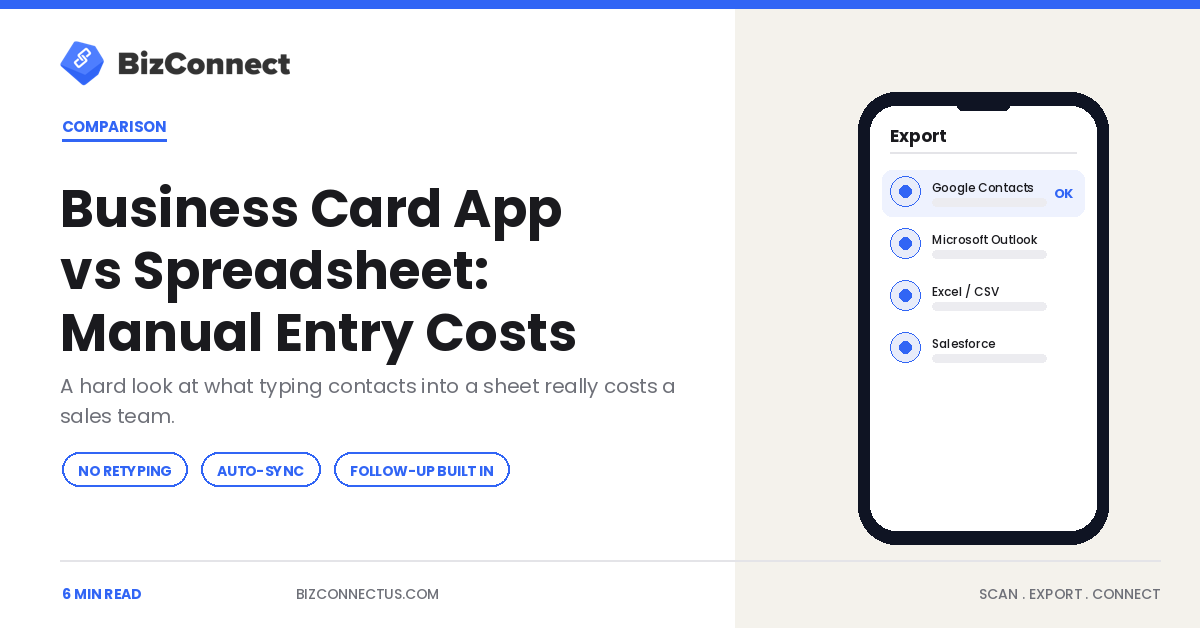
The honest part: you do not have to give up spreadsheets to stop typing. A good app exports to one whenever you want. BizConnect pushes scanned contacts to Excel, Google Contacts, Outlook, Salesforce, HubSpot, and Zoho, plus 5,000+ apps via Zapier, so you keep the spreadsheet as a report while the app does the capture. Our guide to exporting scans to Excel shows exactly how, and it takes one tap rather than an hour of typing.
Where a spreadsheet still makes sense
To be fair to the humble sheet, it has a place — just not as the capture method. A spreadsheet is a fine destination and a fine report: a shared view of every contact, sortable and filterable, that a manager can scan at a glance. The mistake is using it as the tool you type into from a stack of cards. The efficient setup uses a business card app for capture and a spreadsheet for reporting, with the app exporting to the sheet in one tap. You keep the familiar overview and lose the hour of manual entry, which is the best of both. Our guide to how one-tap capture works shows how quick that hand-off is.
Spreadsheets also struggle at scale in ways an app does not. As rows climb into the thousands, duplicates creep in, formatting drifts, and nobody trusts the data anymore. An app that captures cleanly and deduplicates at the source keeps the spreadsheet you export usable rather than a slowly rotting mess.
The compounding cost over a year
The single event looks minor — an hour here, a few typos there — but a year of events tells the real story. A rep attending a couple of dozen events, entering a few hundred cards by hand, loses several full working days to typing alone, plus the deals that quietly slipped because a contact was entered too late or with a wrong digit. Against that, a business card app costs a few dollars a month and gives the time back. When you put the annual numbers side by side, the “free” spreadsheet is the expensive option and the paid app is the saving.
Switching is also low-risk, which removes the last excuse to keep typing. You do not migrate anything or abandon your spreadsheet — you simply start scanning new cards into the app and exporting them to the same sheet you already use. Nothing about your existing reports changes; only the hour of manual entry disappears. Because the app exports a clean file at any time, you are never locked in, and if you decided to stop tomorrow your contacts would leave with you. When the downside of trying is essentially zero and the upside is hours reclaimed every month, the case for at least testing a business card app against your current method is hard to argue with. For a team that runs on events, the sooner you make the swap, the more of those wasted hours you keep for selling. It is a change you tend to feel within a single event cycle rather than months down the line.
The bottom line
Spreadsheet versus business card app is really a question of what your team’s time is worth. The sheet is fine as a destination, but as the method of capture it costs hours, invites errors, and slows follow-up — the quiet ways deals slip away. Let the app scan, validate, and remind, then export to your spreadsheet if you like it there. You keep the report and lose the retyping.
Frequently Asked Questions
Is a business card app better than a spreadsheet for contacts?
For capturing contacts, yes. A spreadsheet requires manual typing, which is slow, error-prone, and easy to postpone until leads go cold. A business card app scans cards in seconds, validates phone and email formats, and attaches follow-up reminders. You can still export to a spreadsheet afterward, so you keep it as a report while the app handles the capture that a sheet does badly.
How much time does manual contact entry actually waste?
Typing 40 cards after an event takes close to an hour, and it usually gets delayed until the leads have cooled. Across a busy events calendar that adds up to many lost hours a quarter, plus the follow-ups that never happen because the data was not entered in time. A scanning app removes the typing, redirecting that time into selling and follow-up.
Does a business card app reduce data-entry errors?
Yes. Manual entry introduces typos — a wrong digit or a transposed letter means a lead you can never reach. A business card app reads cards with OCR and can validate phone and email formats, catching mistakes a tired person makes late at night. Cleaner contact data means fewer bounced emails and dead numbers, which protects conversations you would otherwise lose silently.
Can I still export to a spreadsheet from a business card app?
Absolutely. BizConnect exports scanned contacts to Excel and Google Sheets-friendly CSV, plus Google Contacts, Outlook, Salesforce, HubSpot, and Zoho, and connects to 5,000+ apps through Zapier. So you can keep your spreadsheet as the system of record and let the app handle capture. Exporting takes one tap instead of the hour it takes to type a stack of cards by hand.
Why does follow-up speed matter so much?
Because the first person to respond usually wins the conversation. A spreadsheet guarantees you follow up last, since contacts are not entered until later. A business card app captures the contact and schedules a reminder on the spot, so your message goes out on the day while the lead is warm. Over time, that speed advantage is one of the clearest differences between the two methods.