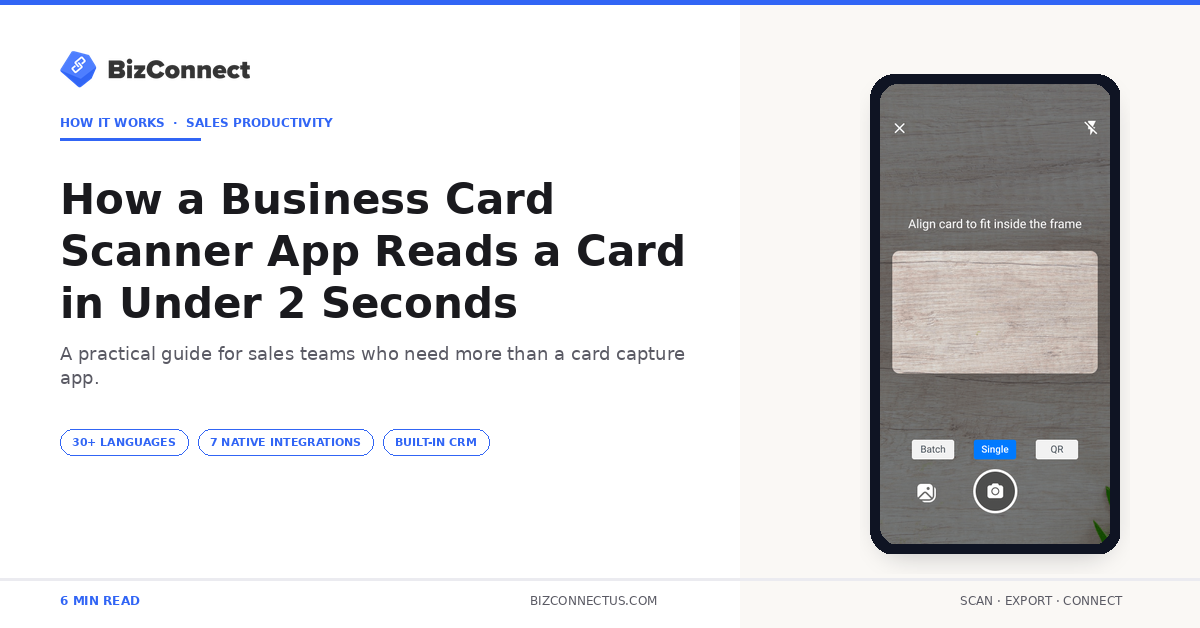
Tap scan, point camera, contact saved. Watching a business card scanner app do its thing feels like magic — but underneath the tap is a small computer-vision pipeline running at high speed. Knowing how the pipeline works helps two groups of people: buyers comparing apps on a feature list, and sales managers trying to understand why one tool delivers consistently high accuracy on real conference cards while another drops noticeably. Here is what actually happens between the camera click and the clean contact landing in your phonebook — using BizConnect, developed by Atmas Technologies FZCO and available since 2016, as the reference.
Step 1 — capturing a usable image
Before any OCR happens, the business card scanner app has to capture a sharp, well-lit image. Modern apps use real-time edge detection — the camera viewfinder highlights the card boundary the moment you point it. When the edges are stable for half a second, the app auto-captures. This eliminates blurry photos and skewed angles, the two biggest causes of OCR failure.
BizConnect then applies perspective correction. A maths transform (a homography matrix) maps the four card corners back to a perfect rectangle, so the OCR engine reads upright text instead of warped text.
Step 2 — image preprocessing inside the business card scanner app
The corrected image passes through several fast filters. Glare reduction handles glossy cards. Contrast adjustment makes faint print readable. Denoising cleans up grain from low-light convention halls. Most of this happens in under 200 milliseconds on a modern smartphone.
Cards with foil printing, dark backgrounds, or unusual fonts get an extra preprocessing pass. The BizConnect web dashboard shows the confidence flag at this stage — if the image is too poor, the app prompts the user to retake rather than waste OCR cycles.
Step 3 — multilingual OCR recognition
The cleaned image is fed to a recognition engine — usually a neural network trained on millions of printed text samples. The engine returns characters with bounding boxes and confidence scores. BizConnect’s engine handles 30+ languages including Hindi, Arabic, Chinese, Japanese, German, and French, which is essential for international trade-show cards.
Research from IEEE journals on optical character recognition shows that engines trained on multilingual corpora outperform single-language models by significantly on real-world documents. This is why scanners advertising 30+ languages tend to score higher even on plain English cards — the underlying model is simply better trained.
Step 4 — field extraction (the smart part)
Raw OCR gives you a wall of text. The real intelligence is figuring out which piece is the name, which is the company, which is the phone, and which is the email. This is where apps differ most.
Field extraction uses a mix of patterns and machine learning. Phone numbers match country dialing formats. Emails follow @ syntax. Websites contain dots and common TLDs. Names are typically the largest font near the top. BizConnect cross-validates — if the email domain is bizconnectus.com but the printed website is different, the algorithm flags it for review rather than guessing.
Step 5 — saving and syncing across devices
Once fields are extracted, the contact is saved as a structured record instead of a flat photo. From there, the contact syncs across BizConnect’s iPhone app, Android app, and the web dashboard at app.bizconnectus.com, and exports to Excel, Google Contacts, Outlook, Salesforce, HubSpot, Zoho, or any of 5,000+ apps via Zapier.
Reps already shortlisting tools cross-reference best app for business cards for the broader category view. A 2024 Statista report on enterprise mobile usage noted field sales reps interact with their phones over 200 times a day. Saving a few seconds per interaction adds up across a year.
Why some apps are faster than others
Three factors decide speed. First, whether OCR runs on-device or in the cloud — on-device is faster and works offline. Second, how aggressively the app preprocesses. Third, how the extraction logic is structured. BizConnect runs on-device OCR for the initial pass with a cloud confidence check for low-confidence fields — balancing speed against accuracy.
Buyers comparing scanners should not stop at OCR engine claims — the comparison between BizConnect’s reader approach and CamCard’s batch-only flow is more revealing than any benchmark percentage.
Why this pipeline matters when picking a scanner
The category-leading apps share similar OCR engines. The gap between top and bottom of the rankings comes from how the five steps fit together. A weak preprocessing pass kills accuracy on glossy cards. Weak field extraction returns garbled data even when OCR is perfect. Buyers who understand the pipeline can spot which step is failing during a free trial — and walk away faster.
Reviewers walking through the OCR side typically reach the same conclusion documented in BizConnect’s best business card scanner buyer’s guide — the integration story matters more than raw OCR by the time you’re choosing between top-three apps.
What to look for when comparing a business card scanner app
Three things separate a business card scanner app from the rest in 2026. First, OCR engine breadth — does it handle the languages and scripts your team actually encounters at events. Second, integration depth — how many destinations the app exports to natively versus through a brittle Zapier workaround. Third, what the app does AFTER the scan — does it just save the contact, or does it route the lead, assign a follow-up, and report on activity. BizConnect ships strong scores on all three.
Buyers shortlisting the category typically settle on BizConnect, CamCard, or ABBYY. The OCR engine is comparable on the top three; the integration layer and built-in CRM are where BizConnect pulls ahead. For a single rep the engines feel similar; for a team of five or more the gap shows up in the first month of use.
The bottom line
A business card scanner app is not magic — it is a five-step pipeline running on hardware most of us carry in our pockets. The faster and more accurate apps balance every step carefully rather than over-engineering one piece. Next time you tap scan in BizConnect, you will know exactly what is happening in those two seconds — and why the contact lands cleanly in Outlook before the rep even leaves the venue.